Cockpit
Menu : Administration/Connection
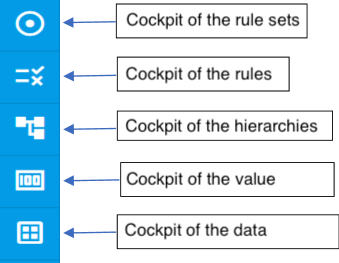
Cockpit a rule
Click on  , select a rule on the left.
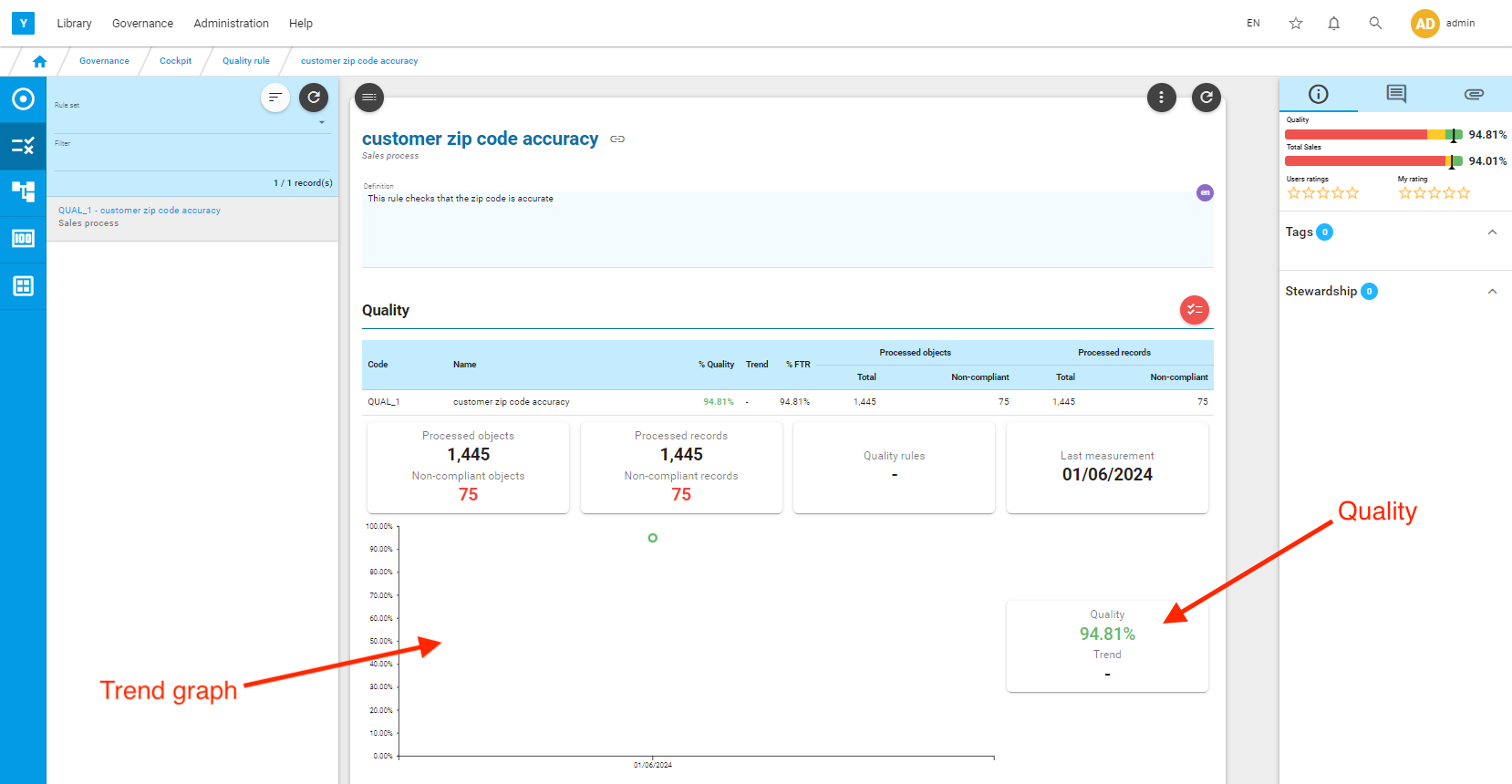
The selected rule’s measurement data are displayed in the central panel:
- Number of records measured
- Number of defect records measured
- Quality percentage
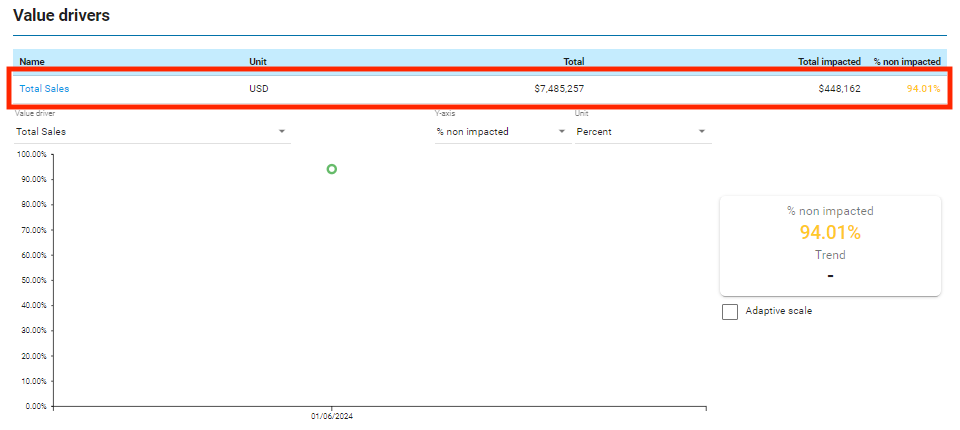
- Total measured for the value driver
- Total impacted measured for the value driver
- Percentage impacted
By clicking on  you are directed to the defect records list.
Defects
Menu : Governance/Defects
The list of defect records is displayed on the screen, with the reference data, value driver, report attributes.
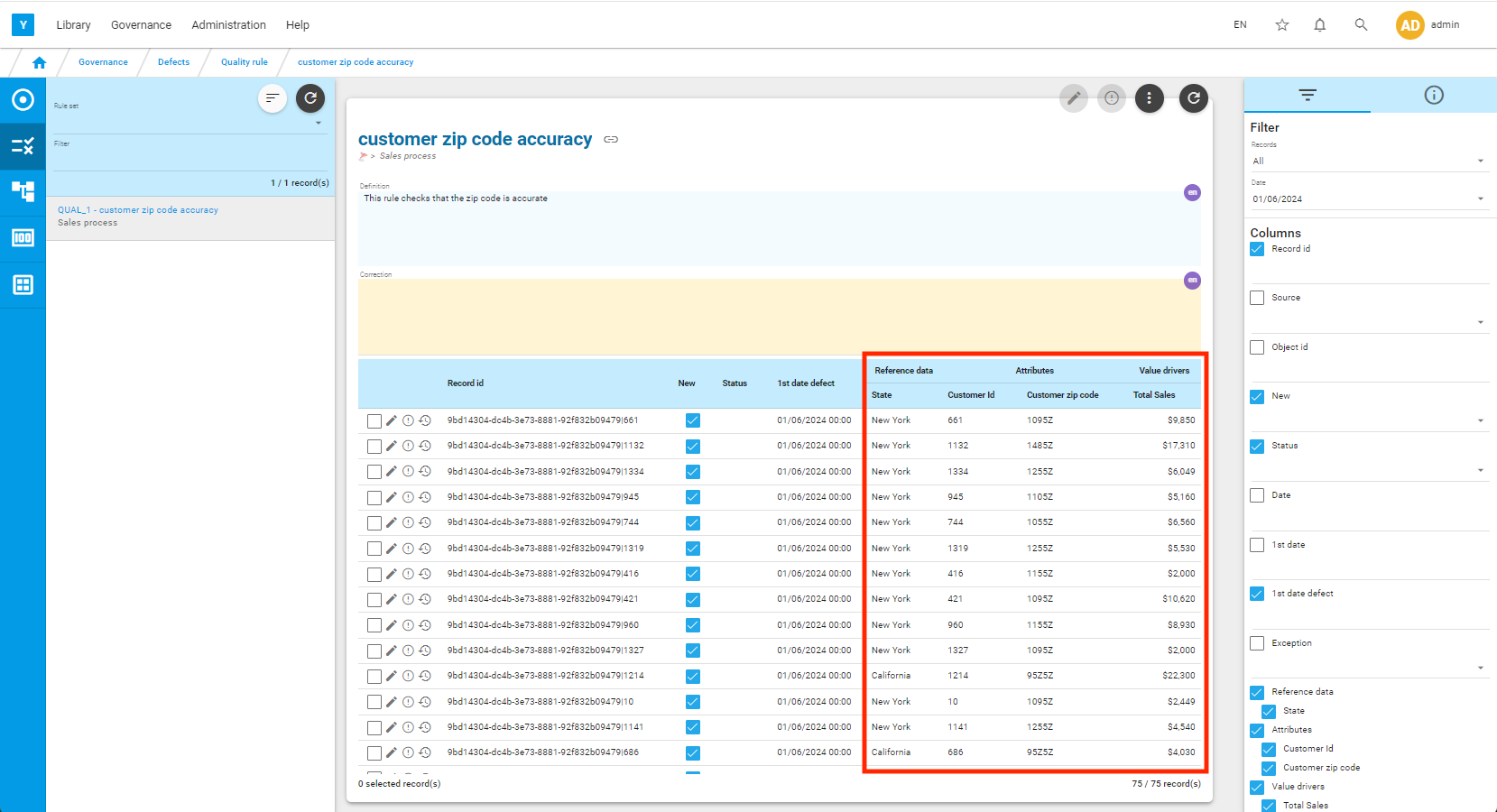
You can export the list by clicking on  , then on export.