Glossary
Menu: Library/Term
A Glossary is composed of categories which contain terms.
Reminder : with Yavantha-CE, you can create only one glossary.
Glossary creation
Click Add Glossary
Enter the name of the glossary, a description and save. The glossary is created with Draft status.
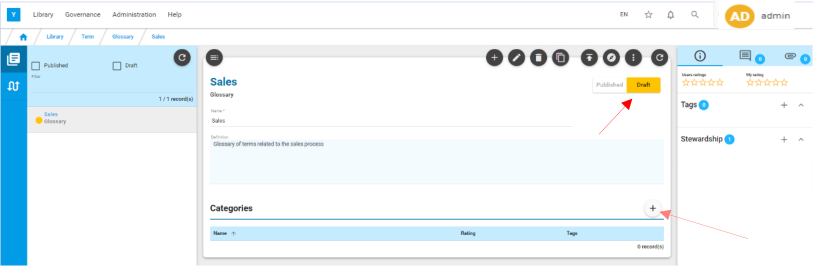
Category creation
Click on  to add a category under the glossary.
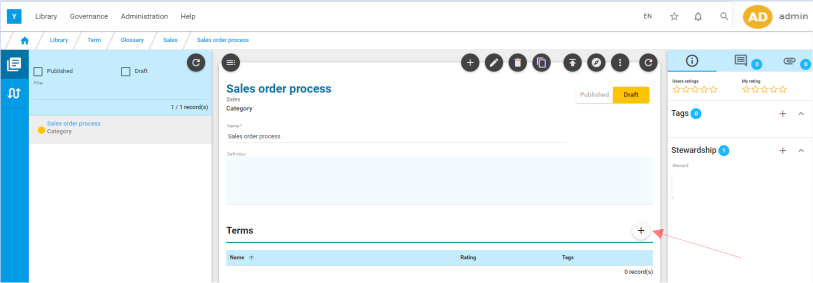
Term creation
Click on to add a term under the category.
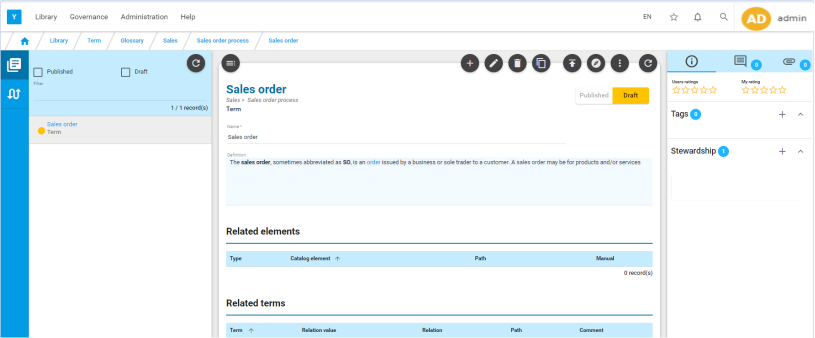
Add a 2nd term by clicking on
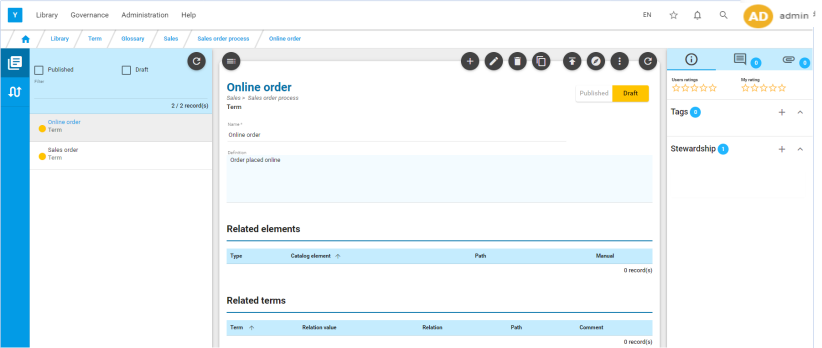
In the same way , create a new category for this glossary with two terms and related elements.
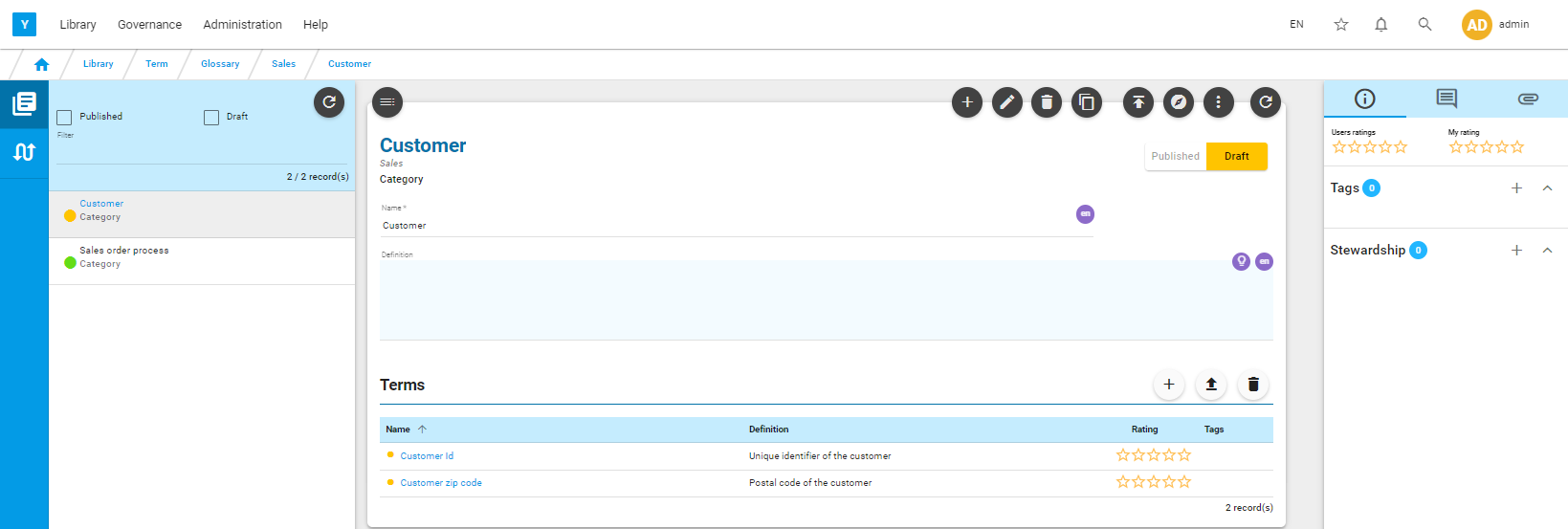
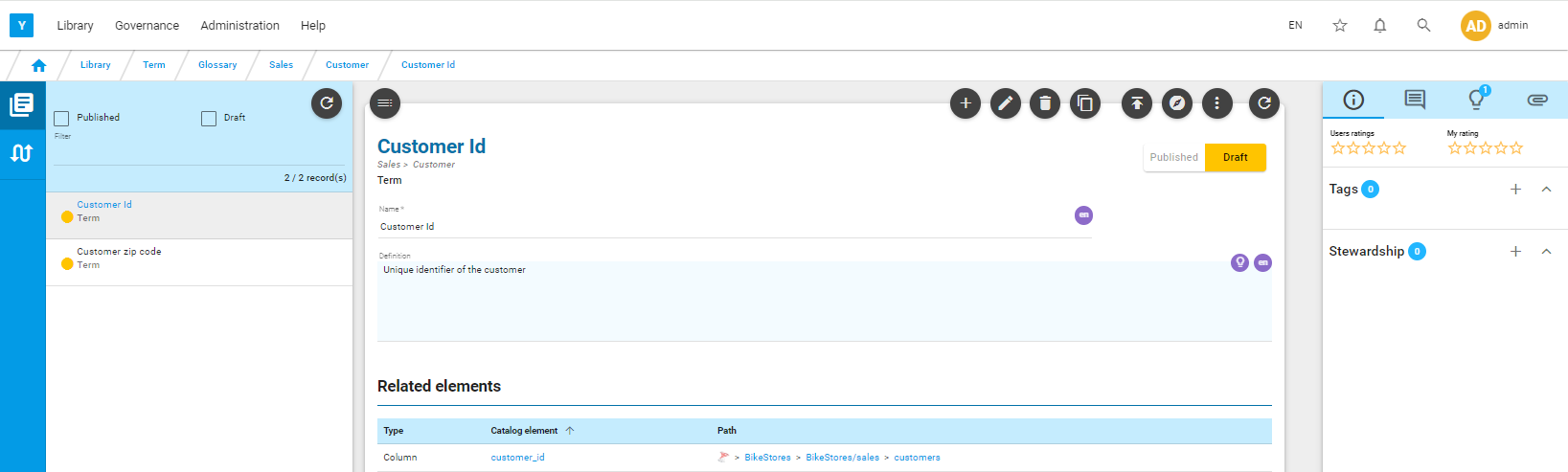
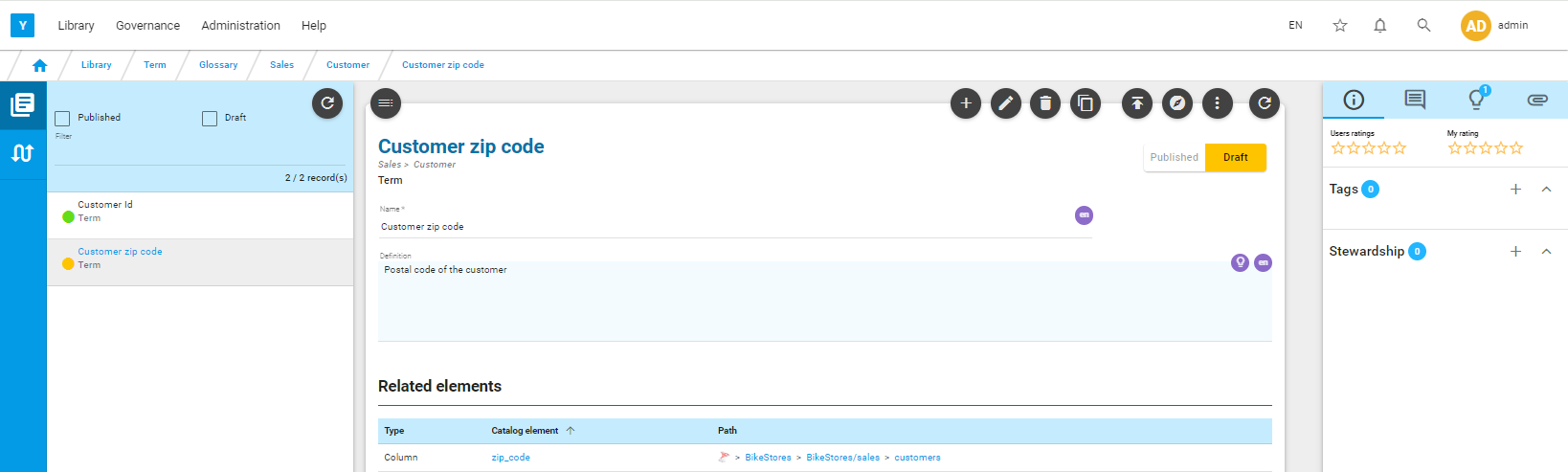
Publish the glossary
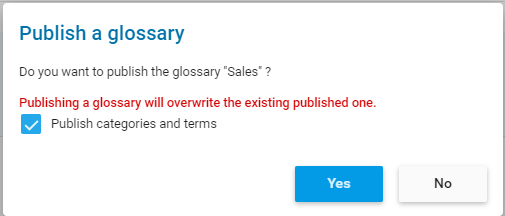
Go to the glossary level and publish all (glossary, category, terms) via  (tick on Publish categories and terms in the popup).
Link a term to another term
Go to a term and click on  for edit mode.
Click on in the ‘Related Terms’ section .
In the popup, search for the term you want to link to the current term and the relation.
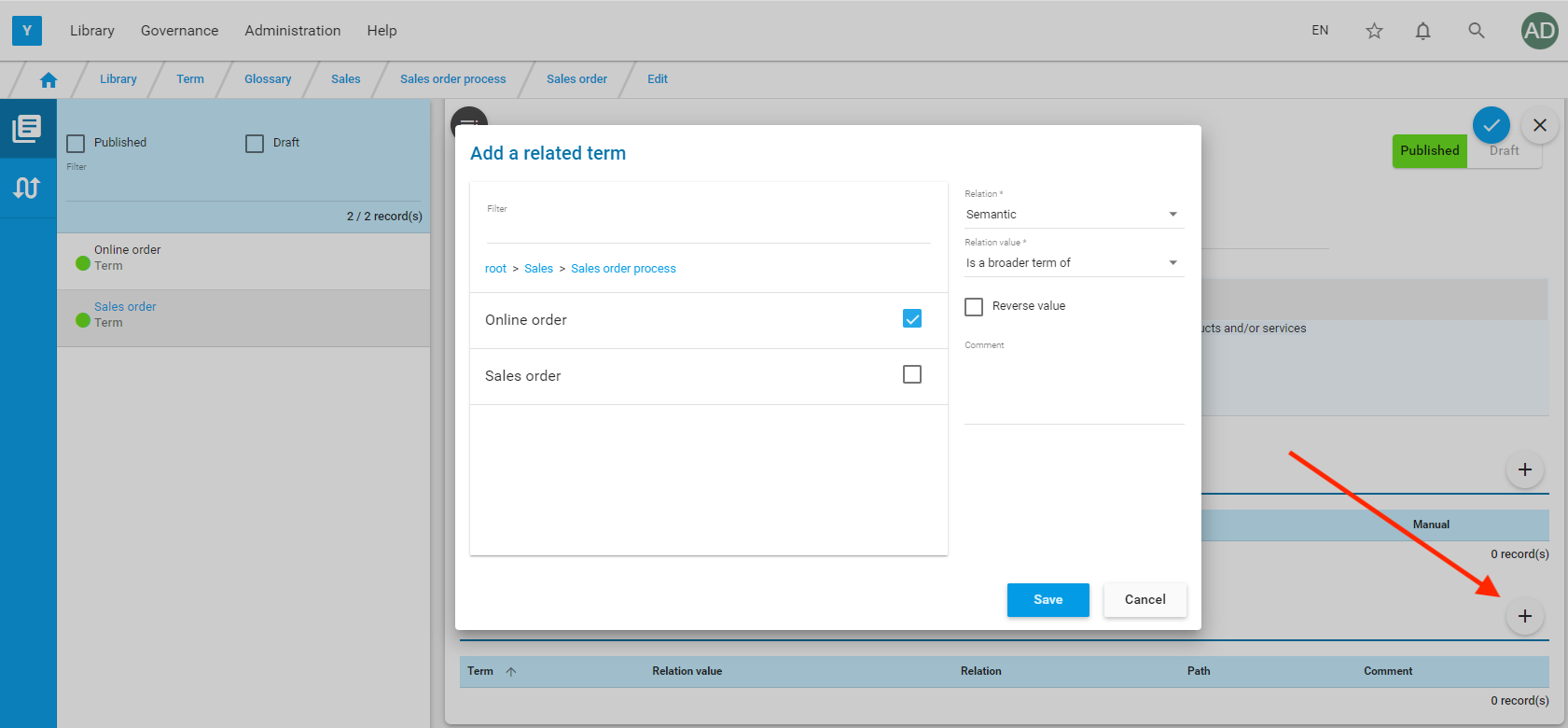
Save by clicking on  then save the term by clicking on
The two terms are now linked.

Link the term to a catalog element
Go to a term and click on for edit mode
Click on in the ‘Related Elements’ section
In the popup, search for the element by going through the source catalog.
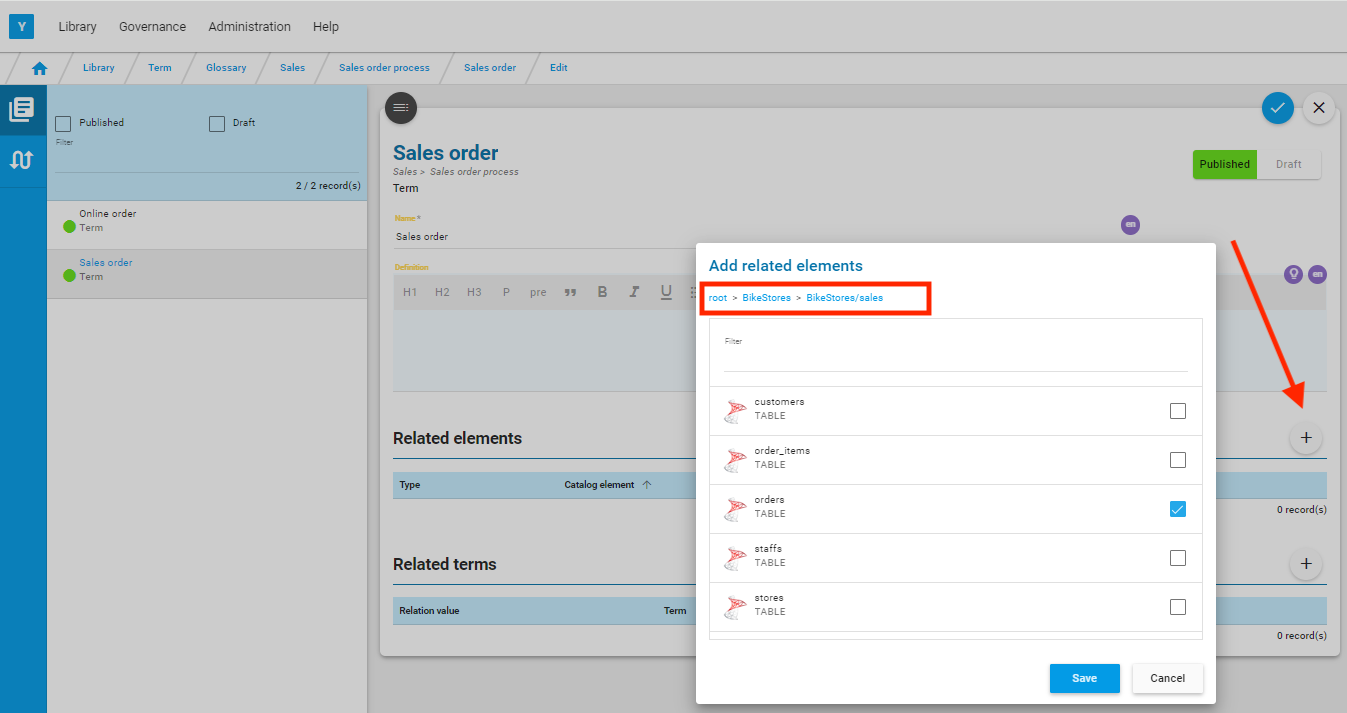
Save by clicking on then save the term by clicking on
