Navigation
Welcome page
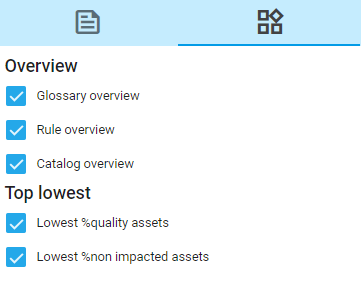
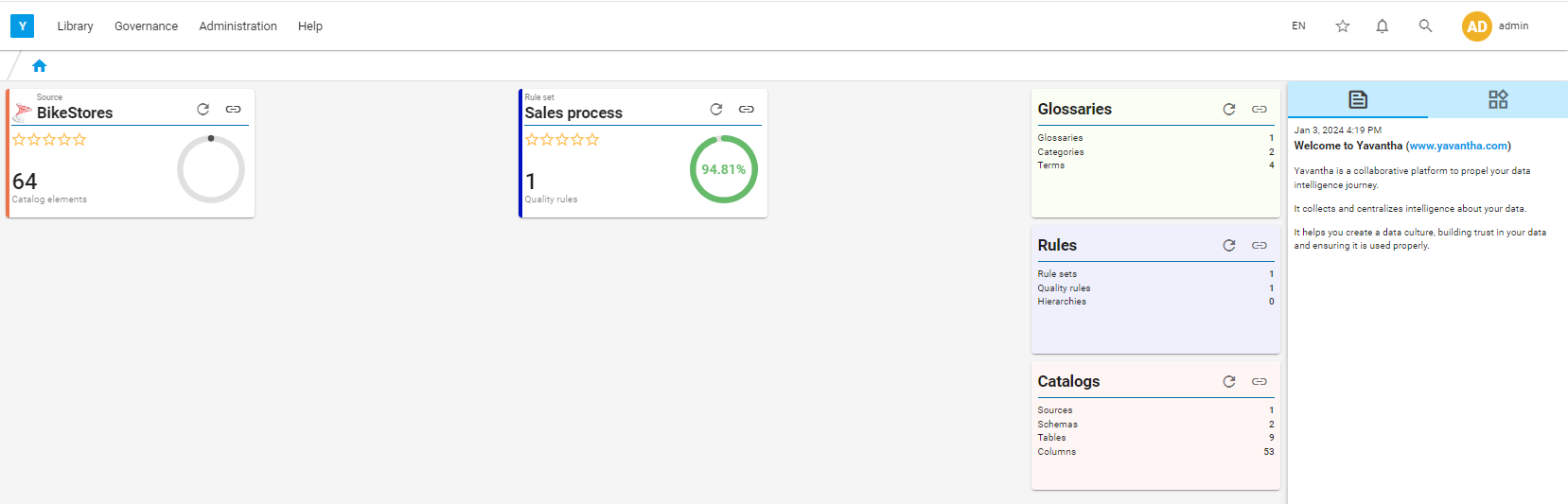
On the welcome page, widgets can be added or removed via 
Asset specific widget can be added (removed) to the welcome page through the icon  present on each asset page.
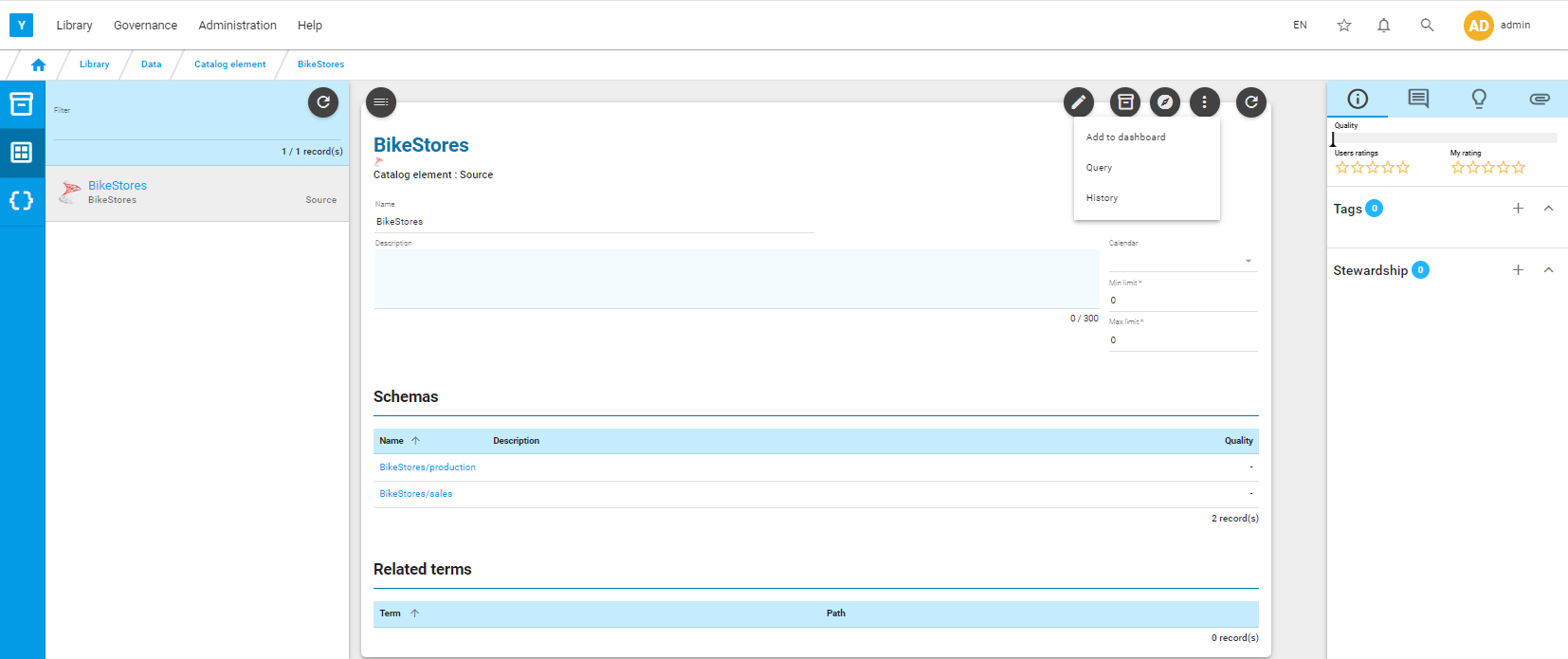
Example:
Search
You can search for any asset through the Search feature, click on  .
.

type a word in the search bar, ex: email and click on the first line that will take you to the Search page.
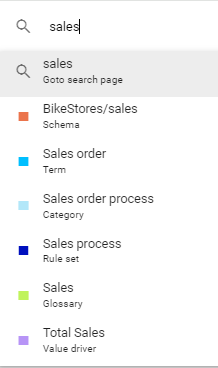
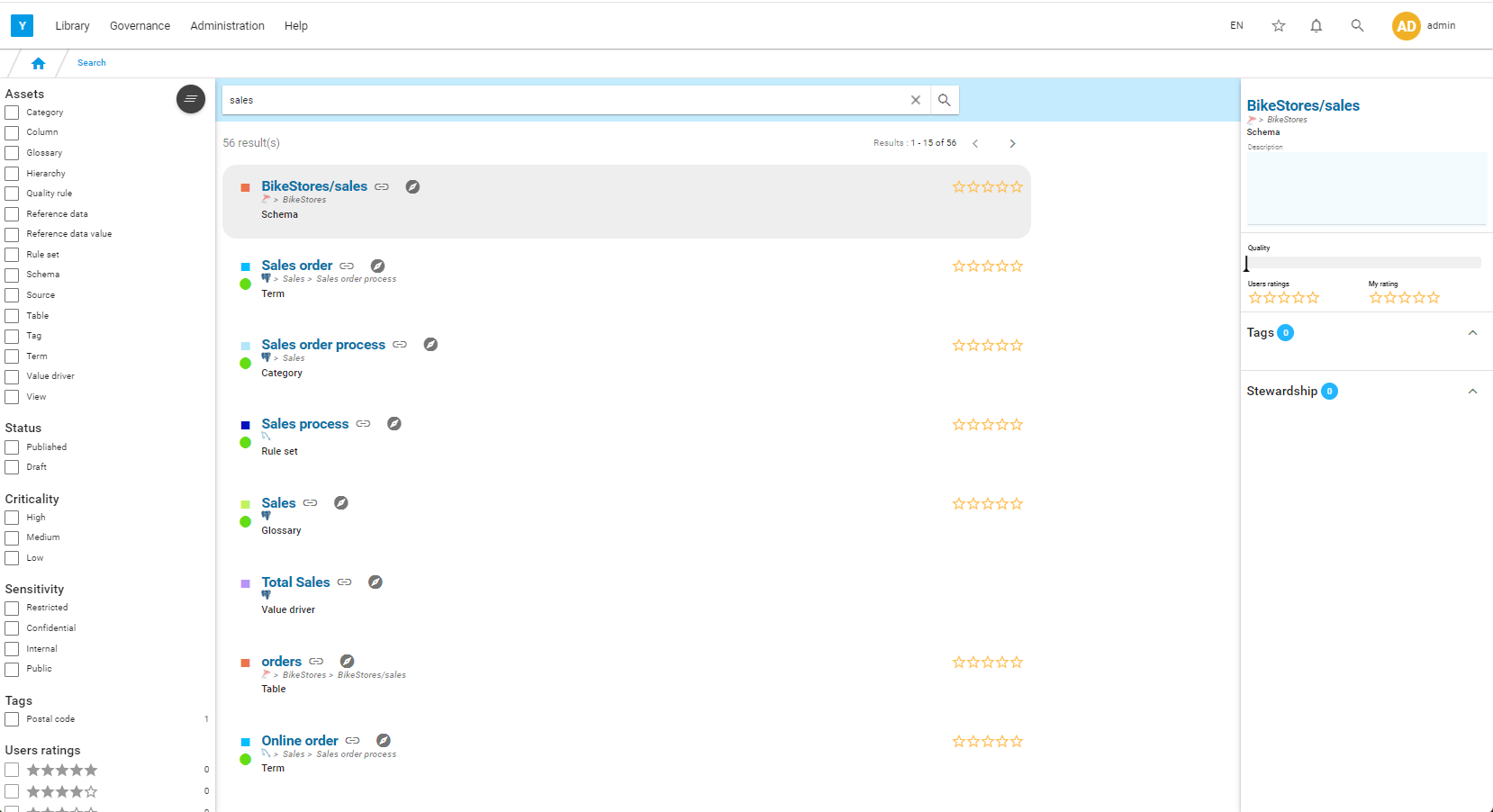
Filters and facets are available on the left to limit the list.
Select Term in the filters on the left.
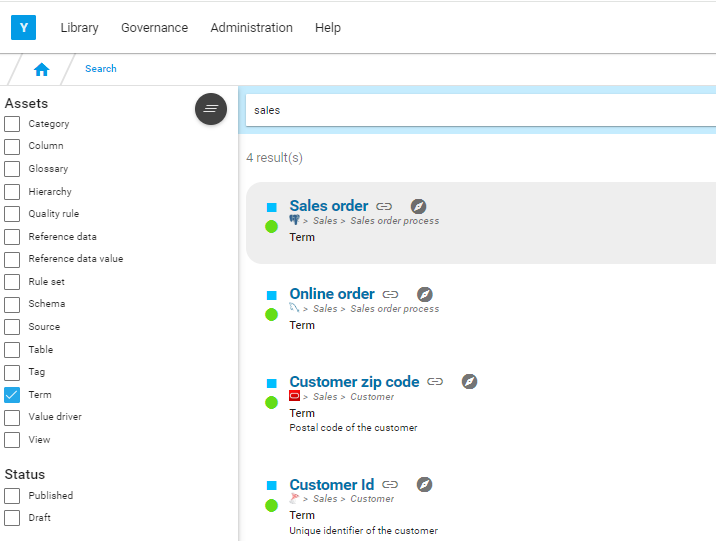
The list will be limited to the terms.
Navigate
If you click on  , you are sent to the corresponding asset page.
If you click on  , you open the knowledge graph centred on the selected asset.
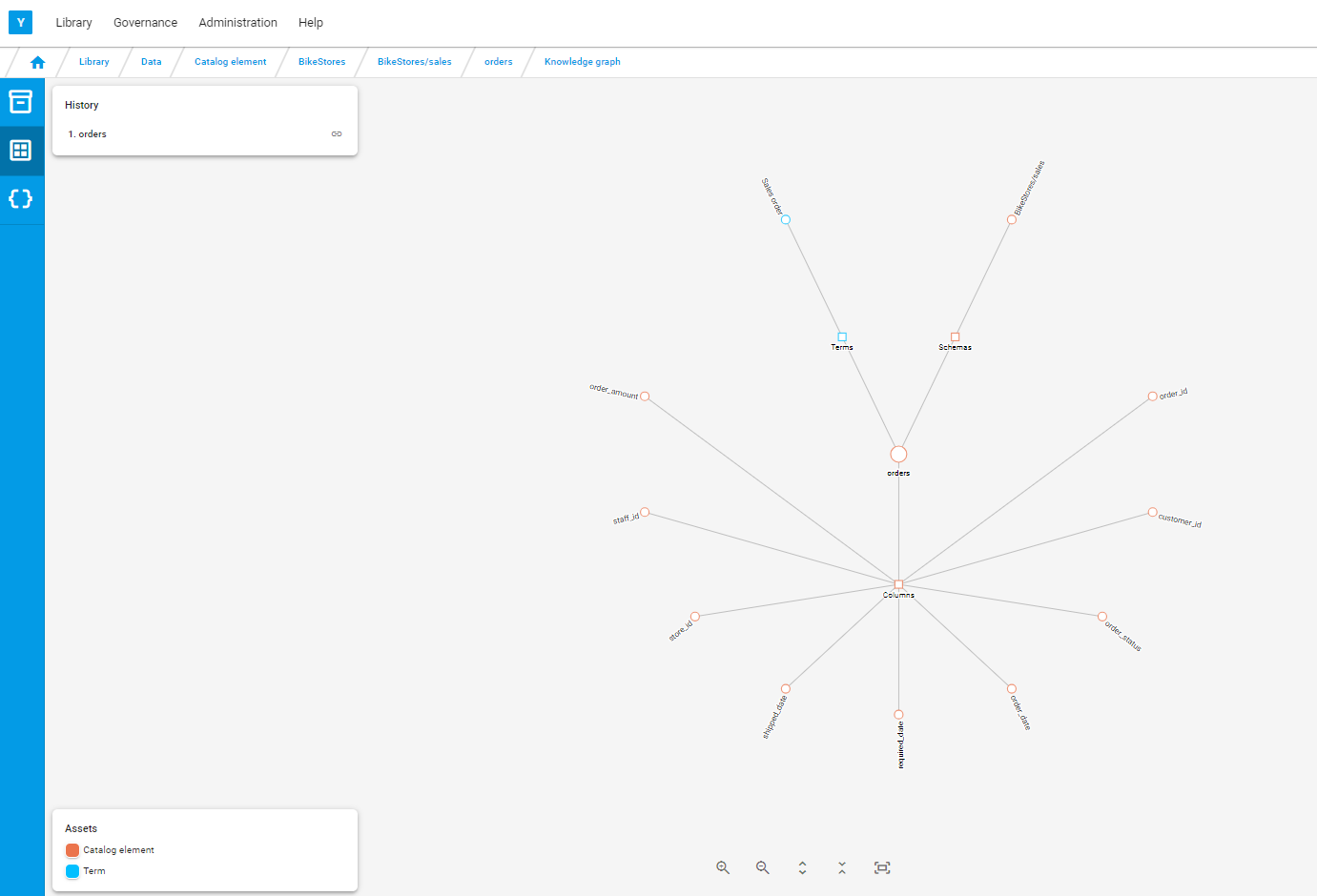
You can navigate from asset to asset by clicking on each element of the graph
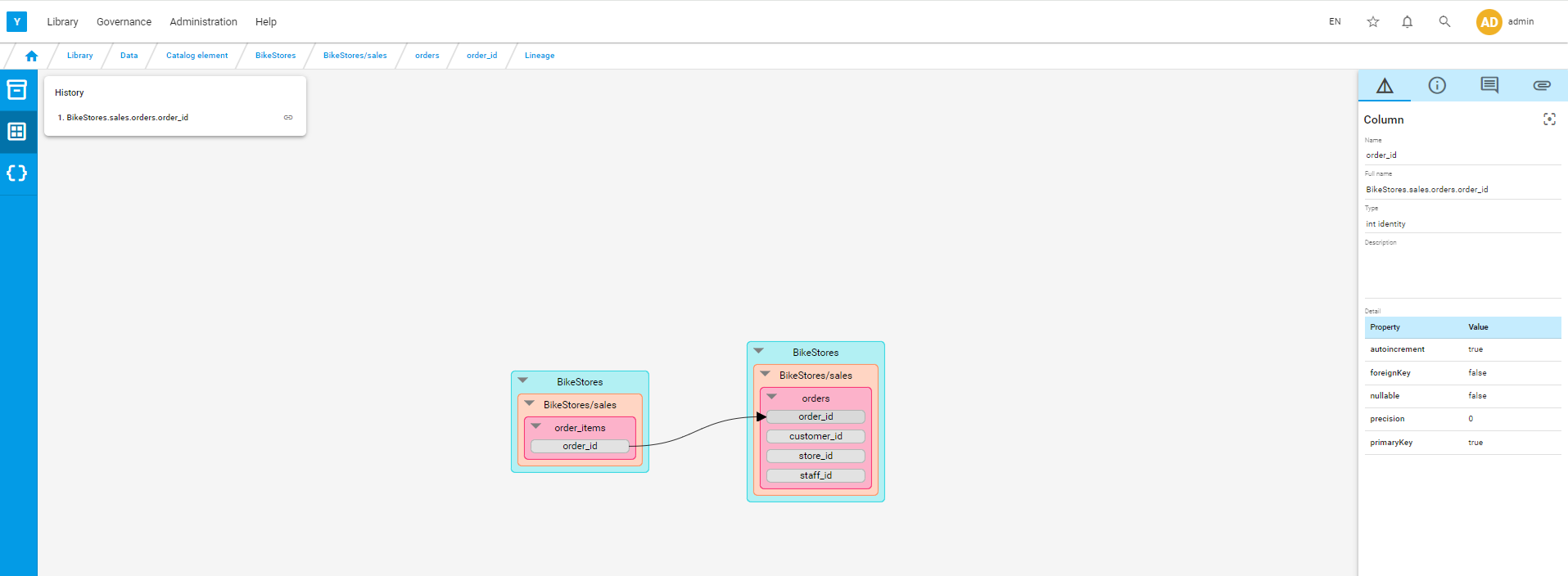
Lineage
If you click on  you open the lineage graph centred on the selected asset.